

Pronunciation API — Quickstart
Dieser Inhalt ist noch nicht in deiner Sprache verfügbar.
This guide walks through getting a key and making your first request. You’ll need a NameDrop account with organization admin access.
1. Open the Pronunciation API
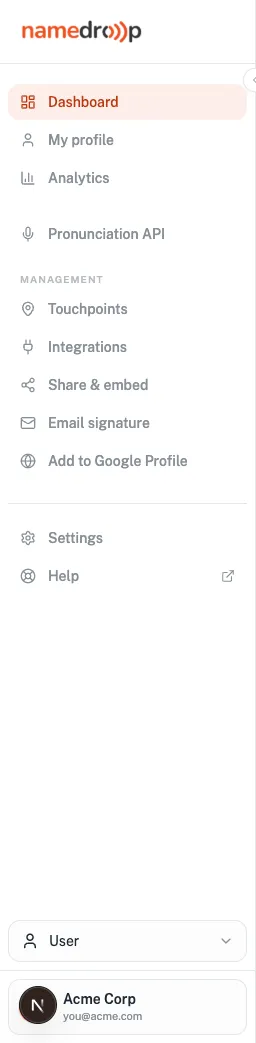
Section titled “1. Open the Pronunciation API”Sign in to your NameDrop dashboard and select Pronunciation API in the left navigation.
2. Start your free trial
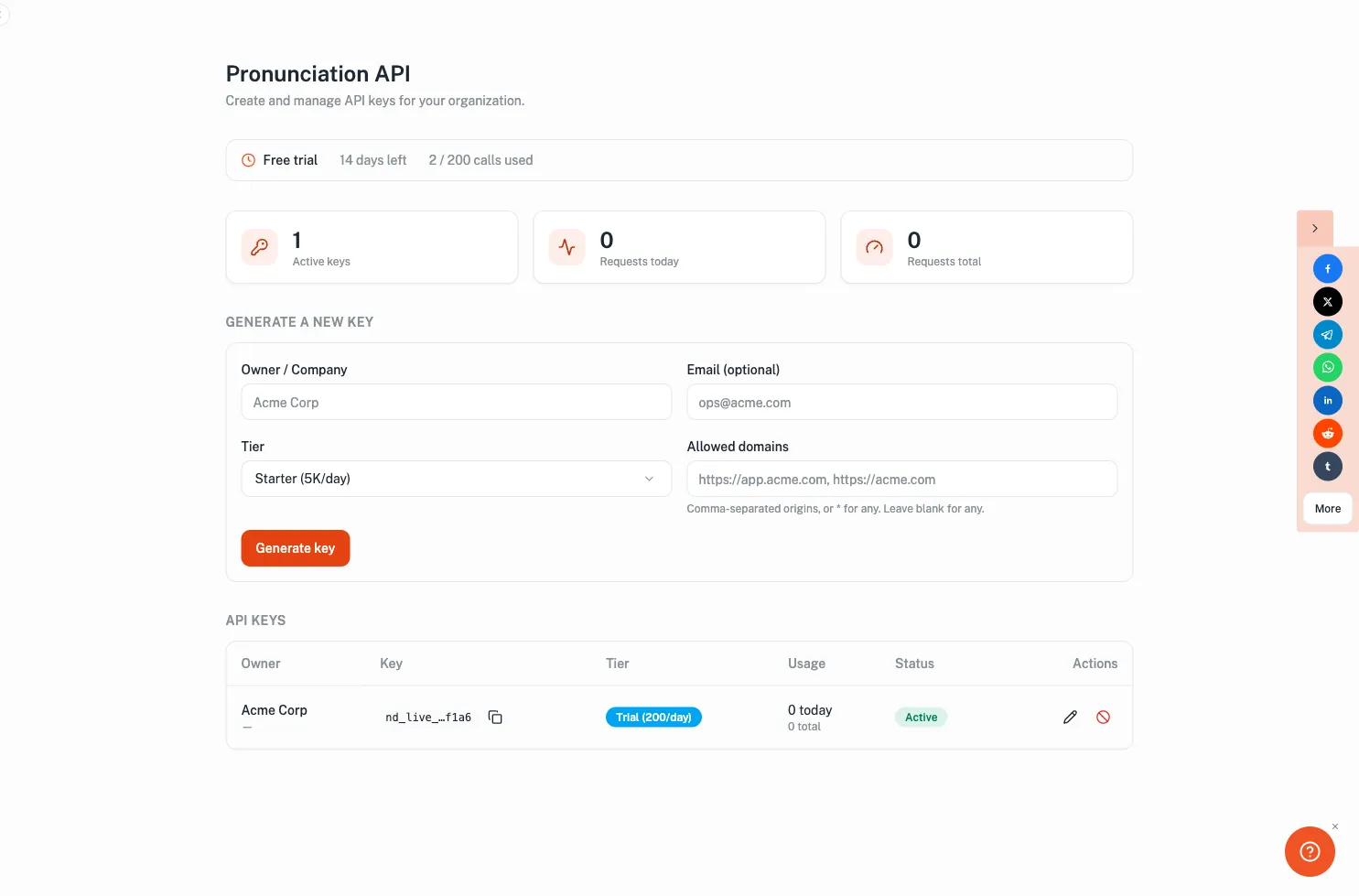
Section titled “2. Start your free trial”If your organization hasn’t used the API before, you’ll see a Start 14-day free trial button (200 calls, no credit card). Once started, the dashboard shows your trial status, usage, and the key-management tools.
3. Generate an API key
Section titled “3. Generate an API key”Under Generate a new key, enter an owner / company name (and optionally restrict the key to specific domains), then click Generate key. Your new key is shown once — copy it and store it securely.

4. Make your first call
Section titled “4. Make your first call”Send the key in the x-api-key header:
curl -H "x-api-key: nd_live_xxxxxxxx" \ "https://names-api.namedropiome.workers.dev/search?q=smith&limit=5"You’ll get JSON with matches, phonetics, and audio filenames. For a fuller walkthrough — JS example, reading the response, and handling trial limits — see Using your API key, or the API reference for all endpoints and error codes.
5. Manage your keys
Section titled “5. Manage your keys”The API keys table lists your keys with their tier, usage, and status. Edit a key’s allowed domains, or revoke it — revoked keys stop working immediately.

Next steps
Section titled “Next steps”- Using your API key — make your first call and handle trial limits
- API reference — endpoints, tiers, and errors
- Need higher limits? Contact us to upgrade from the trial.